CAMERA LAB
INTERACTIVE DEMO · 02
▣ Camera view / Perspective
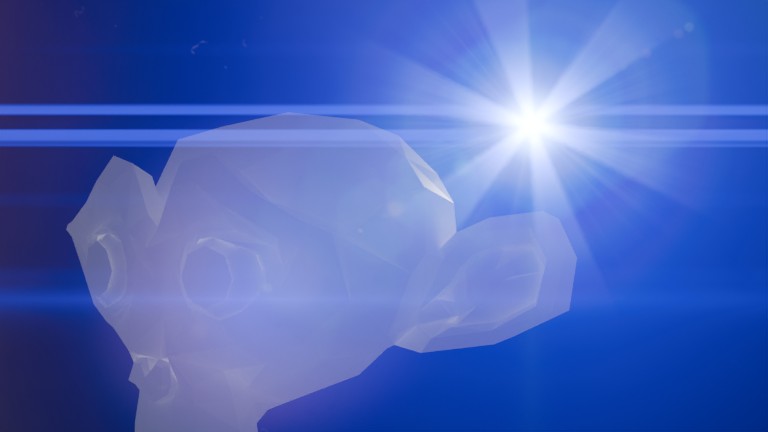
Flared2 scene with Suzanne and a blue lens flare
PUT LIGHT IN MOTION

Move the light.
See what happens.

Explore the flare through the camera.
Move the light and hide it behind Suzanne.

The 3D view loads only when you start.
00:0000:12
Right-drag LookW A S D / ↑ ↓ ← → CameraQ E Up / downMiddle-drag PanWheel Dolly

Explore the scene.

You always look through the camera. Move and rotate it to explore how the flare responds.

Right mouse button + drag
Look around.
WASD or arrow keys
Move forward, backward and sideways. Hold Shift to move faster.
Q / E
Move the camera down / up.
Middle mouse button + drag
Pan the camera across the view plane.
Wheel
Move forward or backward along the viewing direction.
Click Light or Suzanne
Select and drag the object, use the X/Y/Z gizmo, or enter coordinates in the Controls tab.
Play and timeline
Animate the light along a demonstration path. Reset scene restores the original scene.

About this prototype. Suzanne and the flare motion are based on the original Blender scene. Flare appearance is precomputed from its materials, while element positions are interpolated from Geometry Nodes samples. Occlusion is calculated in the browser. This demo does not run the full add-on; some shader, reflection and fading behaviour may differ from Blender. The Add-on Controls Preview is a read-only showcase: its parameters are available in the Flared2 add-on for Blender and do not affect this demo.